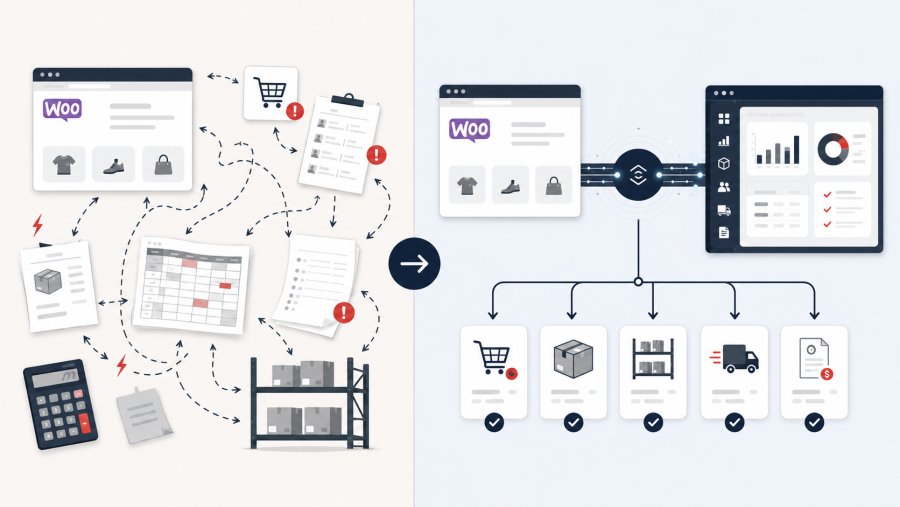
- A direct connection can move orders, stock, customer details, and invoices between WooCommerce and an ERP
- WooCommerce integration without plugins can fit business rules that standard extensions do not cover
- The project should start with clear data ownership, priorities, and real business cases
- Testing, monitoring, security, and ongoing support are as important as the initial connection
WooCommerce integration without plugins connects your online store directly with an enterprise resource planning system, often called an ERP. The connection lets both systems exchange useful information without relying on a standard WordPress extension. For a small or medium-sized business, this can reduce manual work and keep orders, stock, shipping, and billing in sync.
The idea may sound technical, but the business goal is simple. Your online store and your internal systems should work together instead of acting like separate departments. When a customer places an order, the right information should reach the right people without repeated copying.
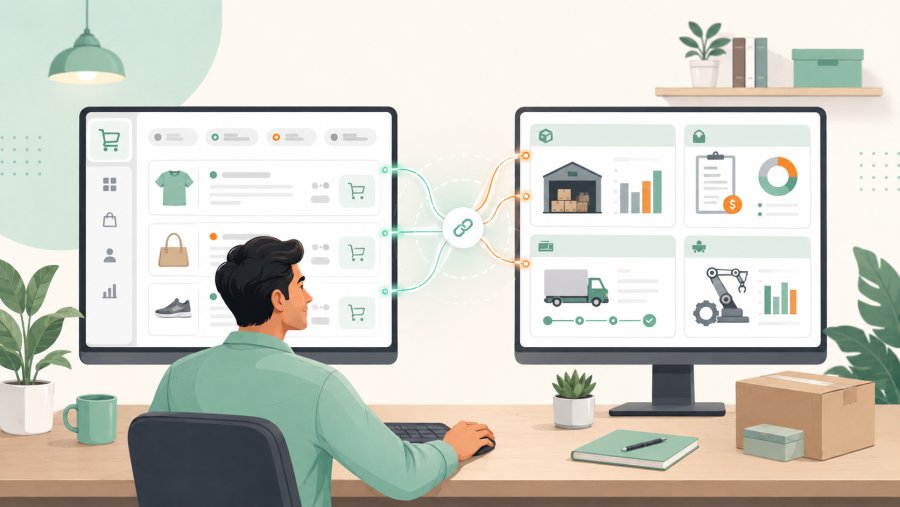
What an ERP connection actually does
WooCommerce manages the customer-facing part of an online store. It displays products, accepts orders, records payments, and stores customer details. An ERP usually manages internal tasks such as stock, purchasing, accounting, fulfilment, and supplier records.
Without a connection, staff often move information between the two systems by hand. Someone may copy a new order into the ERP, update the available stock, prepare an invoice, and send details to the warehouse.
This process can work when the store receives only a few orders. However, it becomes harder to manage as sales grow. Repeated data entry takes time, and each copy creates another chance for a mistake.
An integration creates a controlled route between the store and the ERP. It works like a bridge between two offices. Each office keeps its own role, but important information can cross the bridge when needed.
For example, a paid order can move from WooCommerce to the ERP. The ERP can then reserve stock, start the fulfilment process, and prepare billing data. It may also send updated stock levels back to the store.
WooCommerce provides official tools that allow external systems to exchange store information. Business owners can learn about the basic connection model in the WooCommerce REST API guide.
Why consider WooCommerce integration without plugins
Plugins are useful because they offer a ready-made answer to common needs. They can be quick to install and easier to budget for. However, a standard plugin must serve many different businesses, so it may not match every process.
A company may have several warehouses, special price lists, or product codes that follow internal rules. It may also need different order flows for retail customers, trade buyers, or sales agents.
In these cases, WooCommerce integration without plugins can follow the way the business already works. The company does not need to reshape every process around the limits of a general extension.
Consider a wholesaler that accepts both online card payments and orders paid by bank transfer. Card orders may enter the ERP at once. Bank transfer orders may need to wait until the finance team confirms payment.
A standard connector might send every order in the same way. A direct integration can apply the company’s real approval rules before any data moves.
This approach can also reduce dependence on a plugin vendor. A business may prefer to control the connection, its update schedule, and the data it shares. However, greater control also brings greater responsibility.
A custom connection needs clear ownership. Someone must maintain it, check errors, and adapt it when WooCommerce, the ERP, or the business process changes.
Which information can move between the systems
An integration does not need to copy everything. In fact, sending only useful data often creates a clearer and more reliable process.
Orders are usually the first priority. The ERP may receive the order number, product codes, quantities, prices, discounts, tax details, payment status, and delivery information.
Product information can also move between the systems. The ERP may act as the main source for product codes, prices, tax groups, and stock levels. WooCommerce may remain the main source for product images and customer-friendly descriptions.
Stock is especially important when a company sells through more than one channel. Imagine that the same item is available online, in a shop, and through a sales team. A sale in one channel should affect the quantity shown in the others.
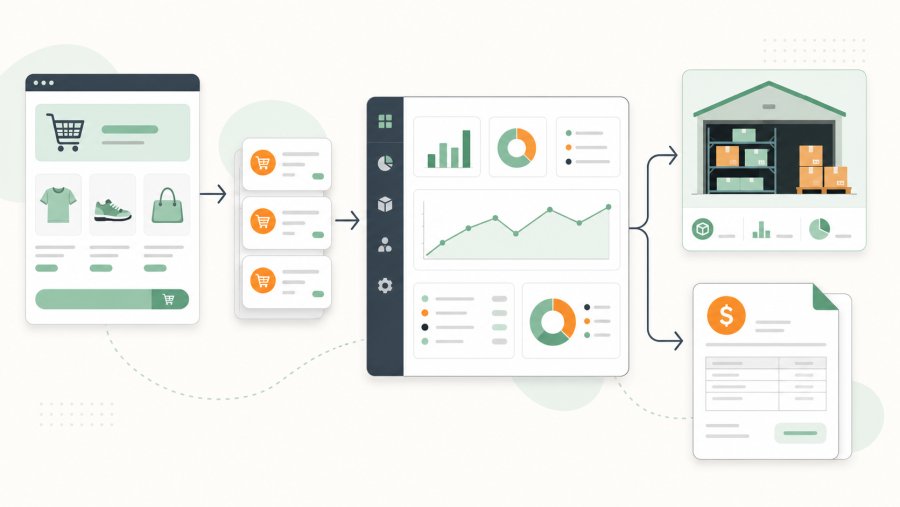
Customer data may also pass to the ERP when it supports fulfilment, billing, or account management. The business should only share the information needed for those tasks.
Companies that handle personal data must consider privacy rules and access controls. European businesses can refer to the official EU GDPR text when reviewing their responsibilities.
Other useful information may include:
- Shipment status and tracking details
- Invoices and credit notes
- Order cancellations and refunds
- Customer account references
- Purchase orders and supplier data
- Different price lists for customer groups
The right scope depends on the business problem. A company that struggles with overselling may start with stock. Another company may gain more value by automating order entry and invoicing first.
How WooCommerce integration without plugins works
WooCommerce integration without plugins still needs a way for the systems to communicate. The difference is that the main connection does not depend on a ready-made plugin installed through the WordPress dashboard.
One option is a direct connection between WooCommerce and the ERP. Each system sends and receives information through its approved communication tools. This resembles two departments using a shared set of forms.
Another option uses a separate integration service between the systems. This service receives information from WooCommerce, checks it, changes its structure when needed, and passes it to the ERP.
The middle service works like an interpreter. WooCommerce may describe a product, customer, or order in one format. The ERP may expect the same information in a different structure. The interpreter makes sure both sides understand each other.
Information can move at planned intervals. For example, the ERP may check for new orders every few minutes. This approach resembles an employee checking a shared inbox throughout the day.
The store can also send an alert when an event happens. For example, it can signal that a new order has been created or updated. WooCommerce calls these alerts webhooks, which are explained in the official webhook guide.
The main business benefits
The first benefit is less manual work. Staff no longer need to enter the same order in several places. They can spend more time checking exceptions and helping customers.
The second benefit is consistency. When the systems share information through clear rules, product codes and quantities are less likely to change during manual copying.
Better stock visibility is another key benefit. If the ERP holds the main stock record, WooCommerce can receive regular updates. Customers then see availability that is closer to the real warehouse position.
WooCommerce integration without plugins can also support business growth. A manual process may cope with ten orders a day but struggle with a sudden rise in demand. An automated flow can handle more routine work without adding the same amount of administration.
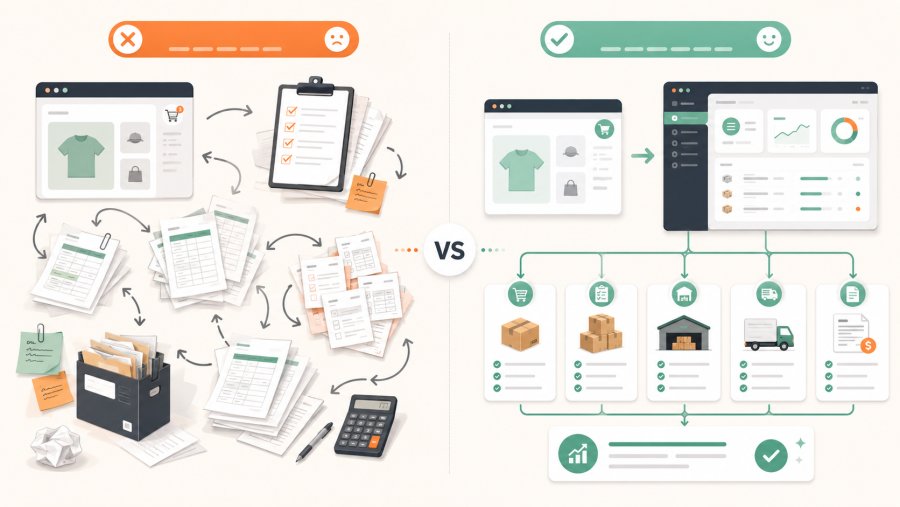
The connection can also create a clearer customer experience. Orders can move to fulfilment sooner, while shipping updates can return to the online store. Customer service teams can then see more accurate order information.
However, automation does not remove the need for people. Staff still need to manage unusual orders, payment problems, damaged goods, returns, and customer requests. The goal is to remove repetitive work, not human judgement.
Common risks and mistakes
A common mistake is to start with software before mapping the process. A developer can connect two systems, but the business must decide what the connection should do.
Data ownership is one of the first decisions. The company must know which system controls each type of information.
For example, prices should not change independently in both WooCommerce and the ERP. One system should be the main source. The other should receive approved updates from it.
The same rule applies to stock, product codes, customer records, and order status. Without a clear source, the systems may overwrite each other or show different values.
Another risk is assuming that every order follows the same path. Real businesses handle failed payments, partial shipments, refunds, back orders, and cancelled items. The project must account for these exceptions.
Security also matters because the integration may handle customer and commercial data. Access should be limited to the information each system needs. Credentials should be protected, and activity should be monitored.
WordPress also provides an official interface for communication with external applications. Its role and basic concepts are covered in the WordPress REST API handbook.
How to prepare the integration project
Start by listing the manual tasks your team performs today. Focus on repeated work, common errors, and steps that delay orders.
Next, choose a clear first goal. Do not try to connect every process at once. A smaller first phase is easier to test and easier for staff to understand.
Questions to answer before work begins
- Which system creates and updates products
- Which system controls prices and discounts
- When an order should enter the ERP
- How stock changes should reach WooCommerce
- How refunds and cancellations should work
- Who receives an alert when data fails to move
- How long the business can accept delayed updates
Create a set of real test cases after answering these questions. Include a normal order, a discounted order, a failed payment, a refund, and an item that goes out of stock.
Also define who owns the project after launch. The technical provider may maintain the connection, but the business still needs an internal person who understands the expected flow.
WooCommerce integration without plugins should also include monitoring. The company needs a simple way to know when an order fails, when stock does not update, or when the ERP rejects a record.
When a plugin-free approach is the right choice
This approach makes sense when the ERP supports external connections and the business has rules that standard plugins cannot handle.
It may suit companies with several warehouses, complex customer pricing, approval stages, or different fulfilment routes. It can also help when the ERP already connects with shops, marketplaces, and other sales systems.
However, a custom integration is not always the best choice. A small store with simple needs may find that a reliable standard plugin already covers every important task.
The decision should compare business value, cost, support, and long-term ownership. A custom solution may cost more at the start, but it can remove work that a basic connector leaves behind.
Therefore, the question is not whether plugins are good or bad. The real question is whether a standard tool can support the company’s actual process.
Conclusion
A WooCommerce and ERP connection can turn several separate tasks into one controlled flow. Orders can reach the ERP, stock can return to the store, and fulfilment data can stay organised.
WooCommerce integration without plugins offers more control over how this exchange works. It can reflect the company’s own rules instead of forcing every order through a fixed standard process.
The best projects begin with a clear business problem. They define which system owns each piece of data, test normal and unusual cases, and assign responsibility for ongoing support.
When planned well, WooCommerce integration without plugins is more than a software project. It becomes a practical way to reduce repeated work, improve data quality, and prepare the business for growth.